
Affiliate links · we may earn a commissionIt never changes what we recommend. How it works
Far Found
Guide · for nomad, remote worker travellers

Working from a cafe, done right

Four items make a cafe table a desk. Everything else is nice to have. This guide is for people who work from somewhere new every week.

the whole list0 of 9 packed
Ticks are saved in this browser only.

Cafe work fails on three things: your neck, your ears and the wifi. The kit below fixes those three and stops there. It fits in a laptop sleeve and adds under a kilo.

We have left out things that look good on a flat lay and get used once: external keyboards with a full number pad, ring lights, three-port docks.

Posture

start here ↓

A laptop at table height means your head is tilted down for hours. A stand plus a separate input device is the fix; one without the other does not work.

our pick ✓
mood photo
Desk · Roost or Nexstand

Folding laptop stand

For you if you work more than two hours a day on a laptop away from a desk.

Trade-off once the laptop is at eye level you need a mouse and ideally a keyboard, so the stand is the start of a kit, not the whole kit.
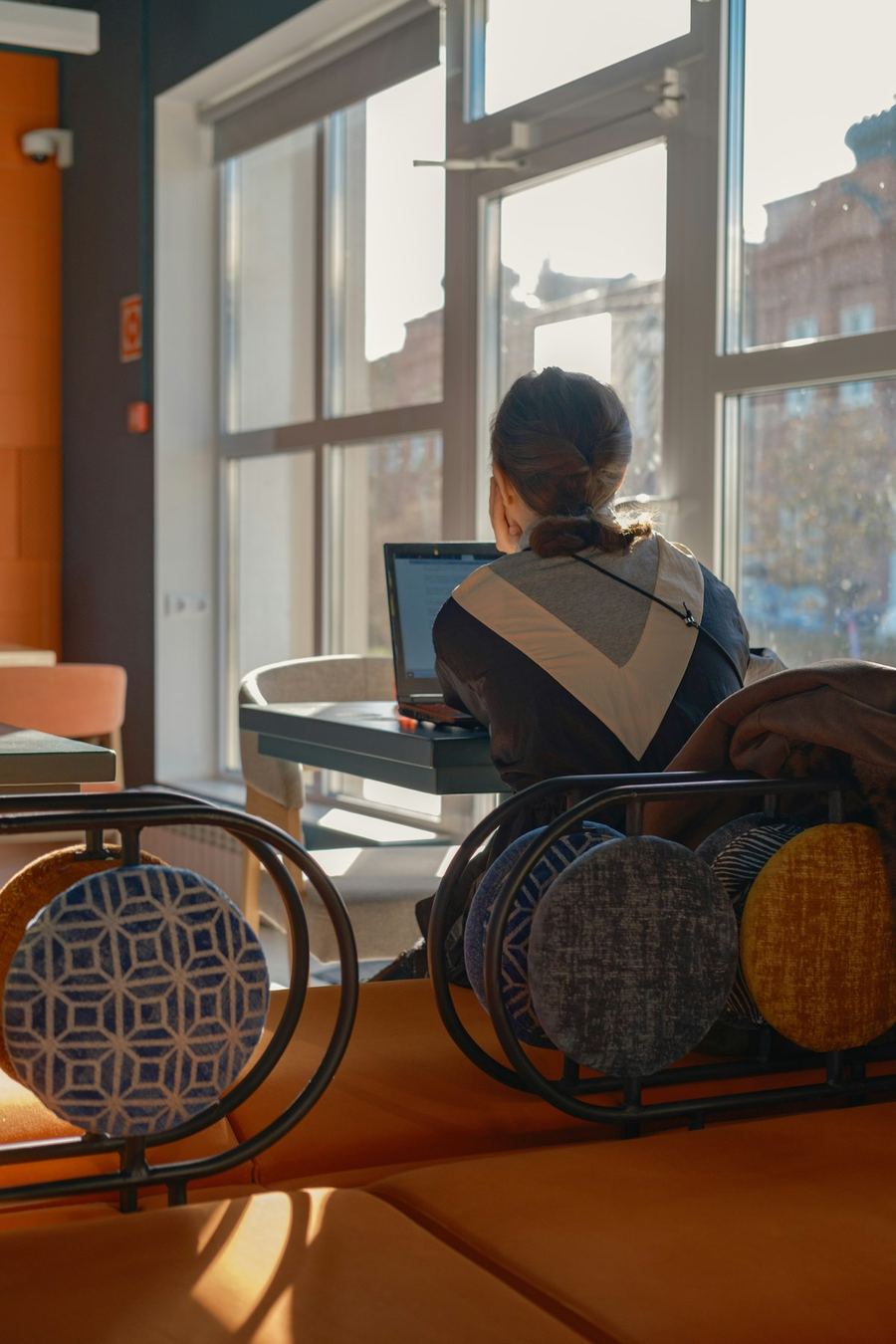
Affiliate link
See it at Roost →
mood photo
Desk · Logitech

Compact Bluetooth mouse

For you if you spend time in spreadsheets, design tools or anything with precise clicks.

Trade-off small mice are less comfortable than a full-size one; if you have large hands, the weight saving is not worth it.

Affiliate link
See it at Logitech →
mood photo
Desk · Logitech or Keychron

Low-profile Bluetooth keyboard

For you if you write for a living and the stand is already in the bag.

Trade-off another 300 to 500 g and another thing to charge; many people are fine typing on the laptop with the stand folded flat.

Affiliate link
See it at Logitech →

Sound

then this ↓
our pick ✓
mood photo
Audio · Sony or Apple

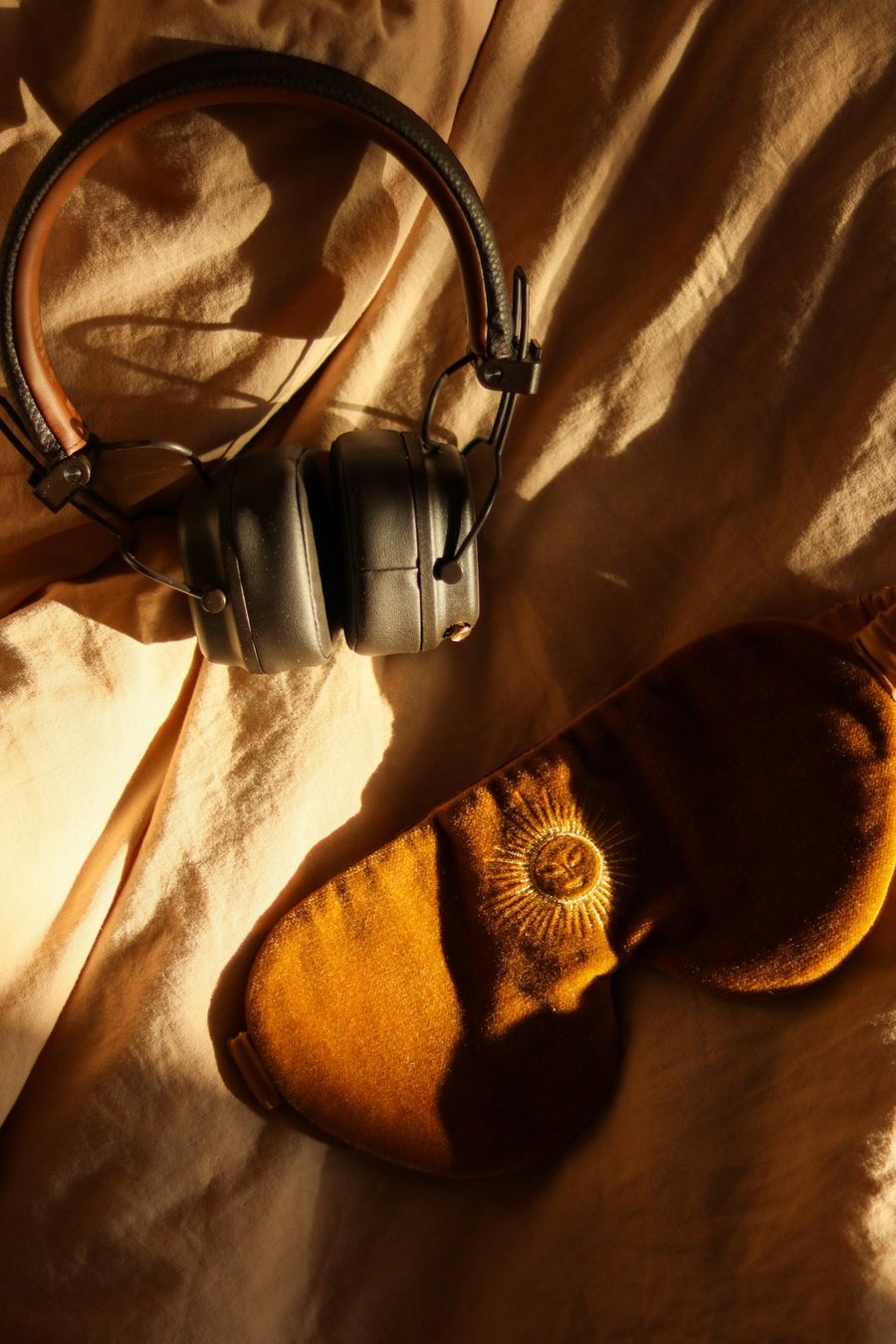
Noise-cancelling earbuds

For you if your best work happens with the room switched off.

Trade-off battery life drops with cancelling on, and earbuds press on the ear canal for a full day; over-ear headphones are more comfortable but take up a packing cube.

Affiliate link
See it at Sony →

Connection and security

the fun part ↓

Cafe wifi is shared with everyone in the room. Treat it that way.

our pick ✓
mood photo
Security · NordVPN

VPN

For you if you log into client systems, banking or anything with a password from public wifi.

Trade-off a VPN slows the connection noticeably on weak cafe wifi, and some services block VPN traffic; keep it on for sensitive work, off for video calls.

Affiliate link
See it at NordVPN →
mood photo
Connection · Airalo

eSIM with a data plan as backup

For you if a dropped call costs you money.

Trade-off tethering from a phone drains it fast; for daily use a local SIM with a bigger plan is cheaper. See the connectivity guide.

Affiliate link
See it at Airalo →
mood photo
Security · Kensington

Privacy screen filter

For you if you handle client data in public.

Trade-off it darkens the screen and narrows the viewing angle, which is the point, but it also makes colour work harder.

Affiliate link
See it at Kensington →

Cables and power

do not skip ↓
mood photo
Organising · Bellroy or Nomatic

Cable pouch

For you if you carry more than two chargers.

Trade-off it is not waterproof; keep it inside the bag, not in an outer pocket.

Affiliate link
See it at Bellroy →
mood photo
Power · Anker

65 W GaN charger

For you if you want one brick for laptop, phone and earbuds.

Trade-off enough for most laptops, not for a 16 inch MacBook Pro at full load.

Affiliate link
See it at Anker →

What to leave at home

lighter already

skip:A portable second monitor

Great at a desk, awkward on a cafe table. Only worth it if you spend most days in one coworking space.

skip:A full mechanical keyboard

Heavy and loud. A low-profile board or none at all.

Save this guide for the next trip

two pins, pick one

Lists change as we swap out items that stop earning their place. The pin always points to the current version of this page.

Keep reading